How Do You Play Slope Online? Controls, Rules and Tips
Published · 6 min read
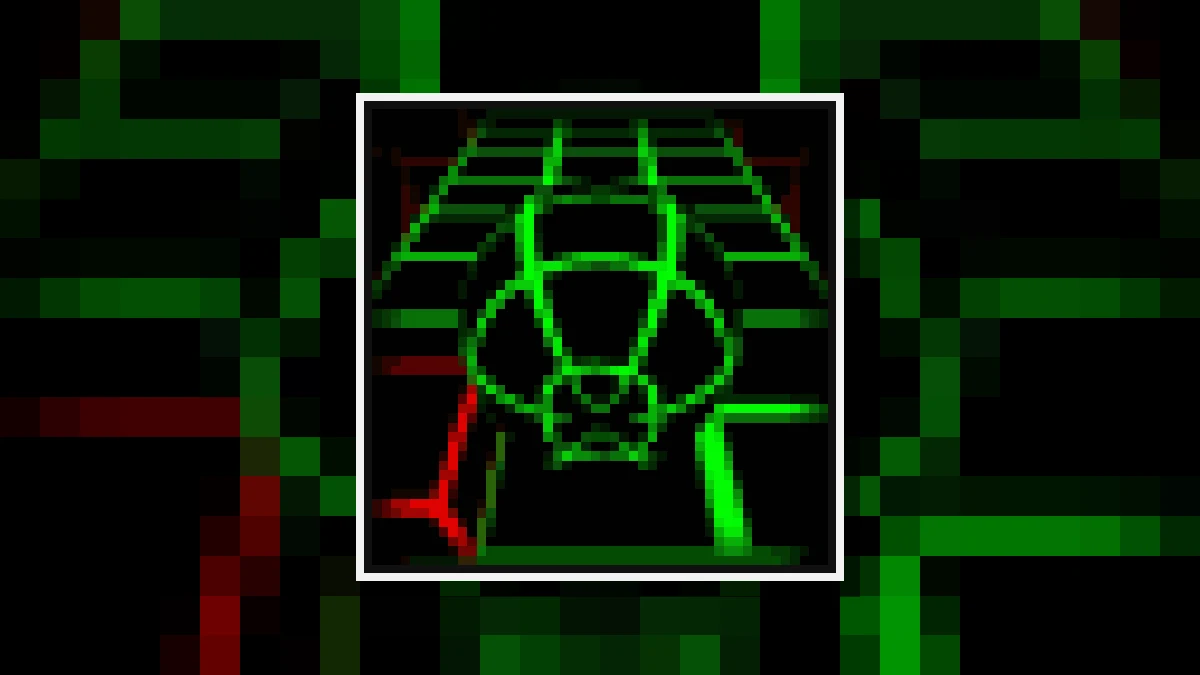
How do you play Slope online?
To play Slope online, press Play in the main menu and use your keyboard to guide a green ball down an endless neon wireframe track. The ball accelerates automatically, so you must steer left and right to dodge red obstacles and avoid falling off the edge.
The game was developed by Rob Kay in 2014 as a Unity WebGL browser game. It runs directly inside your web browser on playslope.io with no installation needed. Because the game is hosted on this domain, you can play Slope right in your browser window.
A single run begins at a manageable rolling speed, but the ball gains velocity with every second you survive. As the wireframe course rolls out in vibrant green across a black abyss, you encounter slopes that tilt, sudden drops, and narrow pathways. When your ball collides with a red obstacle or falls into the black void, the run ends immediately, your total distance is recorded, and you can restart instantly.
What are the controls for Slope?
The controls for Slope are strictly two keys: steer left and right using either the Left and Right arrow keys or the A and D keys. The ball moves forward and accelerates on its own, meaning you only need to concentrate on steering left or right.
There are no jump buttons, speed brakes, or reverse keys in Slope. Because forward momentum is automatic and increases over time, every input requires careful timing.
- Arrow keys: Press the Left Arrow and Right Arrow keys to steer the rolling ball across the track lanes.
- A and D keys: Alternatively, use the A key to steer left and the D key to steer right, providing a comfortable two-handed layout.
- No extra inputs: You never need to press the Spacebar or Up Arrow; navigating drops and ramps relies entirely on positioning and forward momentum.
Is Slope free to play in your browser?
Yes, Slope is completely free to play directly in your web browser. The original Unity build by Rob Kay loads within the page on playslope.io without requiring any downloads, account registration, paid subscriptions, or software installations.
Because the game runs via WebGL, all graphics and physics calculations happen locally on your computer. You simply open the page, wait a moment for the game canvas to load, and hit Play to begin rolling down the slope.
There are no paywalls or locked track segments. Every player gets access to the full, endless randomized course from their very first run, allowing for immediate restarts whenever a run ends.
Can you play Slope unblocked on a Chromebook?
Yes, you can play Slope unblocked on a school Chromebook or desktop computer because the lightweight Unity WebGL build runs directly in standard web browsers. It runs smoothly at full speed even on Chromebooks equipped with modest integrated graphics processors.
Because Slope is fully keyboard-driven, a laptop or Chromebook with a physical keyboard offers an ideal playing experience. The game has minimal hardware requirements, meaning it does not demand a dedicated graphics card to maintain steady frame rates.
School laptops and lightweight desktop machines can open the site and run the simulation without lag, which made Slope one of the most widely played browser games on school devices. Since there is nothing to install, any modern browser capable of WebGL rendering can launch the game immediately.
Does Slope have a finish line or final level?
No, Slope does not have a finish line, final level, or end. The neon track is endless and procedurally randomized, meaning the objective of the game is simply to survive as long as possible and achieve the highest distance score before crashing.
Your score in Slope reflects the exact distance traveled before falling into the void or hitting an obstacle. Because the course never stops and the ball gains speed continuously, surviving becomes exponentially more demanding the longer a run lasts.
A typical run for a beginner lasts around twenty seconds, while a solid, experienced run reaches approximately a minute and a half. The built-in online leaderboard in the menu displays the scores achieved by the top players, demonstrating how far masters can push their runs through sheer reflexes and course reading.
What do the red blocks and green tracks mean?
In Slope, green represents the safe path while red represents lethal obstacles. Any surface covered by the green neon grid is drivable track, whereas any solid red structure is a hazardous wall that will instantly destroy your ball upon the slightest touch.
Recognizing obstacle types early is essential for planning your path down the course:
- Static red blocks: Fixed square barriers placed directly on track tiles, requiring you to steer into open adjacent lanes.
- Moving red blocks: Red blocks that slide horizontally from side to side on a consistent, predictable rhythm across the surface.
- Green wireframe slopes: Safe downhill roadways, tunnels, and ramps that provide grip and allow your ball to roll forward.
- The black void: The empty space surrounding the floating neon track where misjudged turns cause your ball to plummet and end the run.
Because moving red blocks operate on fixed rhythmic patterns, the safest tactic is often waiting for the block to slide past rather than abruptly swerving into an unaligned lane.
What are the best tips to survive longer in Slope?
The best way to survive longer in Slope is to look toward the horizon rather than at your ball, tap keys lightly instead of holding them, and center your ball before taking drops. Anticipating upcoming hazards gives you enough time to react at top speeds.
Applying tested habits will help turn short runs into high-scoring attempts:
- Focus on the horizon: The ball stays near the bottom of your screen while the track speeds toward you. Look two or three obstacles ahead so your hands react before hazards arrive under the ball.
- Tap instead of holding: Holding down an arrow key sends the ball sliding across the entire track width and off the edge. Quick taps move you cleanly by a single lane. Save held inputs solely for wide, empty stretches.
- Ride banked walls: When the slope curls upward along the edges, let the ball climb the banked wall. Lightly steer into the curve and allow gravity to bring you back toward the center naturally.
- Center your drops: When a ledge launches your ball into the air, aim for the middle of the track prior to takeoff. While mid-air steering is possible, landing on a narrow strip is much safer from the center.
Does Slope work on a mobile phone?
No, Slope does not work well on mobile phones or tablets because this original Unity build is strictly keyboard-driven. The game requires Left and Right arrow keys or A and D keys to steer, making desktop computers, laptops, and Chromebooks necessary.
Mobile devices lack the required physical arrow keys and instant tactile feedback that Slope demands at high speeds. Touchscreen overlays or virtual buttons struggle to offer the millisecond precision needed when dodging rapid red blocks.
For the intended responsive gameplay, launch Slope on a machine with a hardware keyboard. This ensures your key presses register without input delay, letting you execute quick taps and maintain control as the course accelerates.
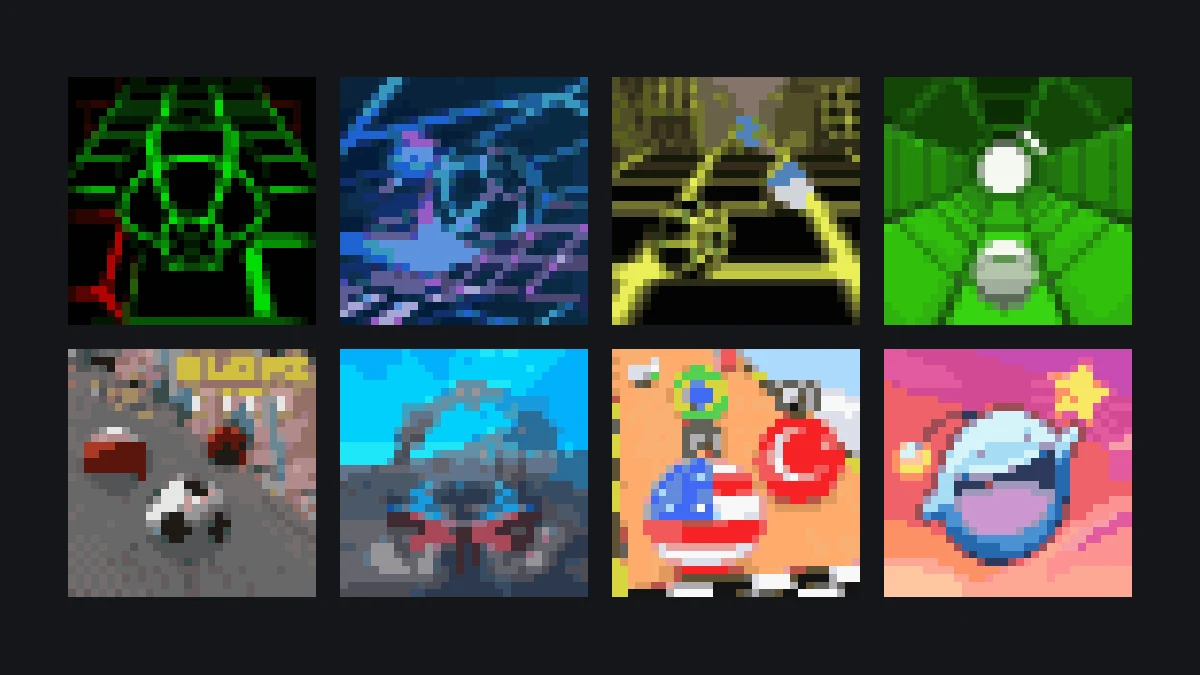
What games are similar to Slope on this site?
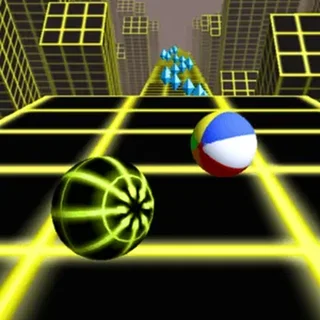
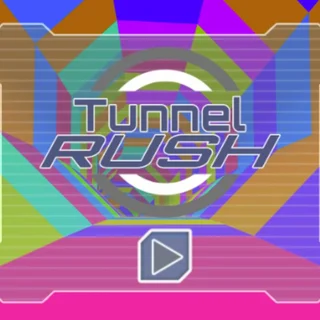
If you enjoy Slope, you can play several similar reflex and runner games on this site, including direct sequels like Slope 3, Slope 2 Players, Slope Tunnel, and Slope City, alongside fast-paced tunnel runners like Tunnel Rush and Super Tunnel Rush.
These companion titles offer varied challenges built around high-speed navigation and precision reflexes:
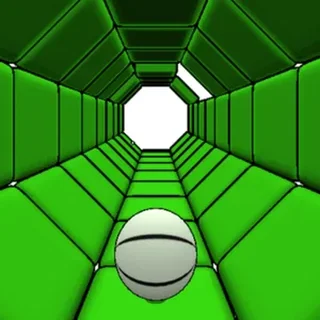
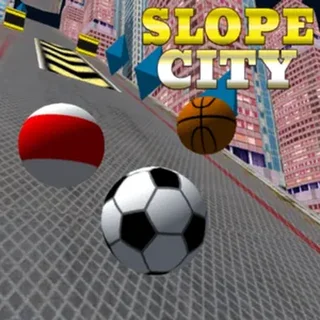
- Slope sequels: Slope 3 delivers open track segments and fresh leaderboards; Slope 2 Players features two-player local split-screen competition on a shared keyboard; Slope Tunnel tests navigation inside a 360-degree rotating cylindrical tube; Slope City blends downhill rolling with urban ramps and gems.
- Tunnel runners: Tunnel Rush and Super Tunnel Rush send you hurtling through glowing polygonal tunnels filled with shifting geometric hazards that test your peripheral reaction time.
- Rolling and skill games: Titles like Marble Run 3D and Rolling Jump provide additional rolling-ball challenges with distinct pacing and track obstacles.
More from the blog
- Slope: How to Survive Past the First Minute
Where most runs end, why they end there, and the three habits that separate a 20-second run from a 90-second one.
- Slope 2, Slope 3, Slope City, Slope Tunnel: Which Sequels Are Worth Playing
The original Slope spawned a dozen follow-ups. Most add a shop and a skin; a few change the game. This is what each one actually does differently.